"
```
To send traces to a specific project, use the [`LANGSMITH_PROJECT` environment variable](/langsmith/log-traces-to-project). If this is not set, LangSmith will create a default tracing project automatically on trace ingestion.
If you are using Anthropic, use the [Anthropic wrapper](/langsmith/trace-anthropic). If you are using Google Gemini, use the [Gemini wrapper](/langsmith/trace-with-google-gemini). For other providers, use the [`@traceable` decorator](/langsmith/annotate-code#use-%40traceable-%2F-traceable) to trace calls manually.
## 2. Build the app
The following app uses two LangSmith tools to add tracing:
* **`wrap_openai`**: wraps the OpenAI client so every LLM call is automatically logged as a nested span.
* **`@traceable`**: wraps a function so its inputs, outputs, and any nested spans appear as a single trace in LangSmith.
The `assistant` function calls a tool (`get_context`) to retrieve relevant context, then passes that context to the model. Using `@traceable` on both functions captures the full pipeline in one trace, with the tool call and LLM call as nested spans.
Create a file called `app.py` (or `index.ts`) with the following code:
```python Python theme={null}
from openai import OpenAI
from langsmith.wrappers import wrap_openai
from langsmith import traceable
client = wrap_openai(OpenAI()) # log every OpenAI call automatically
@traceable(run_type="tool") # trace this as a tool span
def get_context(question: str) -> str:
# In a real app, this would query a knowledge base or vector store
return "LangSmith traces are stored for 14 days on the Developer plan."
@traceable # capture the full pipeline as a single trace
def assistant(question: str) -> str:
context = get_context(question)
response = client.chat.completions.create(
model="gpt-4.1-mini",
messages=[
{
"role": "system",
"content": f"Answer using the context below.\n\nContext: {context}",
},
{"role": "user", "content": question},
],
)
return response.choices[0].message.content
if __name__ == "__main__":
print(assistant("How long are LangSmith traces stored?"))
```
```typescript TypeScript theme={null}
import OpenAI from "openai";
import { wrapOpenAI } from "langsmith/wrappers";
import { traceable } from "langsmith/traceable";
const client = wrapOpenAI(new OpenAI()); // log every OpenAI call automatically
const getContext = traceable(
async function getContext(question: string): Promise { // trace this as a tool span
// In a real app, this would query a knowledge base or vector store
return "LangSmith traces are stored for 14 days on the Developer plan.";
},
{ run_type: "tool" }
);
const assistant = traceable(async function assistant(question: string) { // capture the full pipeline as a single trace
const context = await getContext(question);
const response = await client.chat.completions.create({
model: "gpt-4.1-mini",
messages: [
{
role: "system",
content: `Answer using the context below.\n\nContext: ${context}`,
},
{ role: "user", content: question },
],
});
return response.choices[0]?.message?.content ?? null;
});
(async () => {
console.log(await assistant("How long are LangSmith traces stored?"));
})();
```
## 3. Run the app
```bash Python theme={null}
python app.py
```
```bash TypeScript theme={null}
npx tsx index.ts
```
## 4. View your trace
In the [LangSmith UI](https://smith.langchain.com), go to **Tracing** and select your **default** project. Click the `assistant` row to open the **Trace** details panel, which shows the `assistant` function with the `get_context` tool call and the OpenAI call nested inside it.
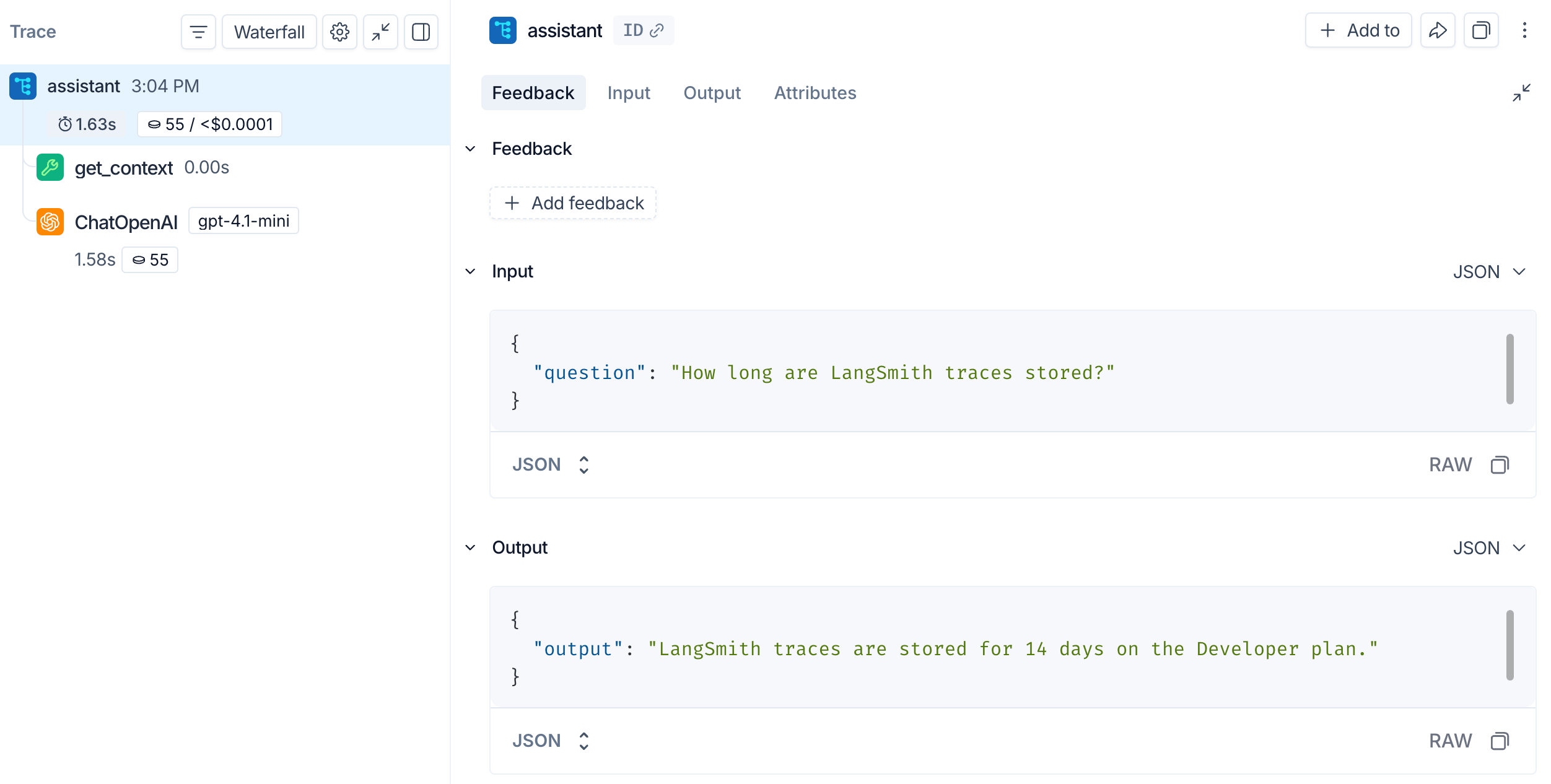
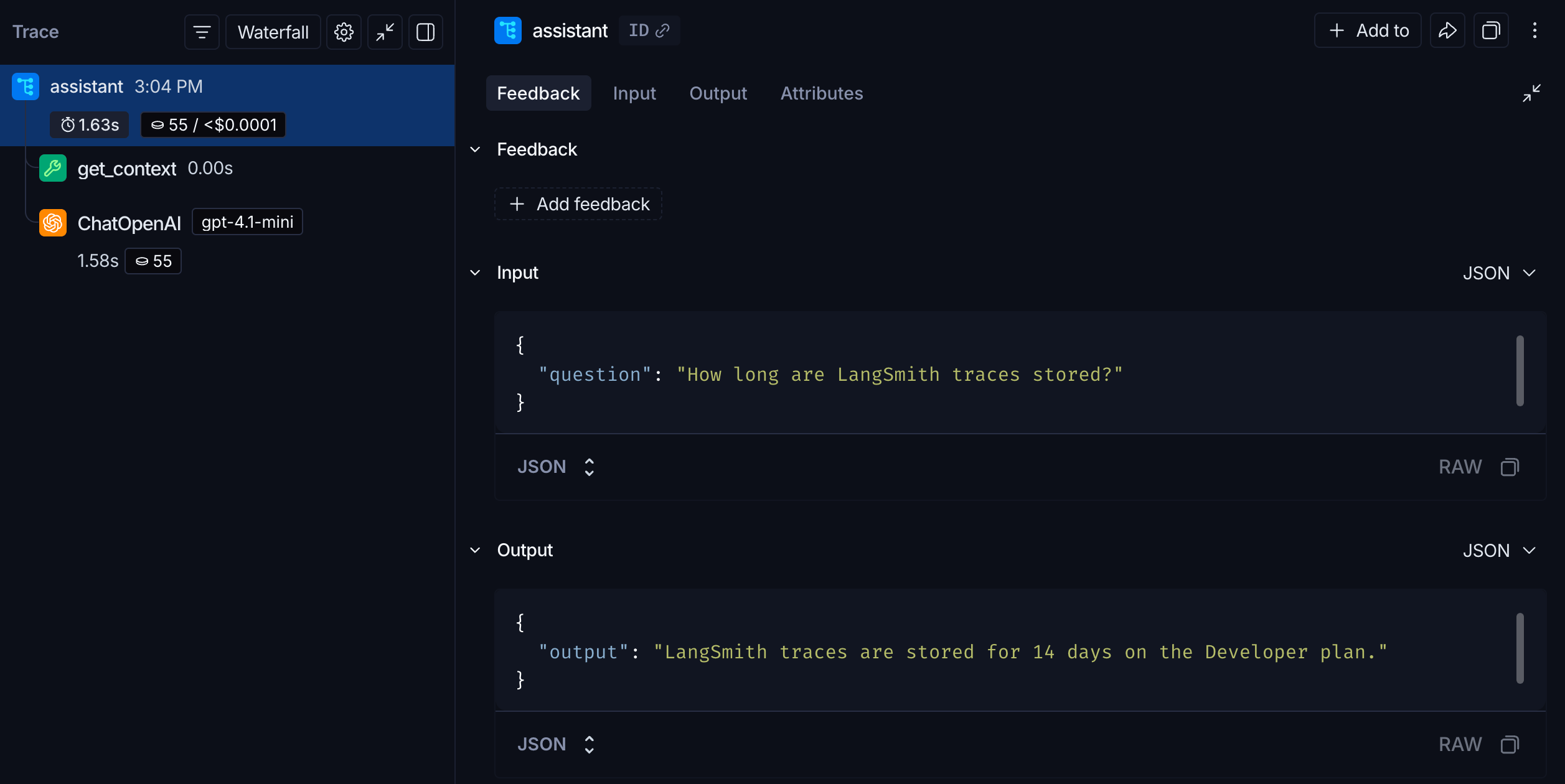 The outer span captures your `assistant` function's inputs and outputs. The nested **get\_context** span records the tool call, and the **ChatOpenAI** span records the exact prompt sent to the model and the response returned.
## Next steps
* [Tracing integrations](/langsmith/integrations): LangChain, LangGraph, Anthropic, and other providers.
* [Trace an LLM application](/langsmith/observability-llm-tutorial): a full lifecycle tutorial, from prototyping through production.
* [Filter traces](/langsmith/filter-traces-in-application): search and navigate large tracing projects.
* [Log to a specific project](/langsmith/log-traces-to-project): send traces to a named project instead of **default**.
After logging traces, use **[Polly](/langsmith/polly)** to analyze them and get AI-powered insights into your application's performance.
***
The outer span captures your `assistant` function's inputs and outputs. The nested **get\_context** span records the tool call, and the **ChatOpenAI** span records the exact prompt sent to the model and the response returned.
## Next steps
* [Tracing integrations](/langsmith/integrations): LangChain, LangGraph, Anthropic, and other providers.
* [Trace an LLM application](/langsmith/observability-llm-tutorial): a full lifecycle tutorial, from prototyping through production.
* [Filter traces](/langsmith/filter-traces-in-application): search and navigate large tracing projects.
* [Log to a specific project](/langsmith/log-traces-to-project): send traces to a named project instead of **default**.
After logging traces, use **[Polly](/langsmith/polly)** to analyze them and get AI-powered insights into your application's performance.
***
[Edit this page on GitHub](https://github.com/langchain-ai/docs/edit/main/src/langsmith/observability-quickstart.mdx) or [file an issue](https://github.com/langchain-ai/docs/issues/new/choose).
[Connect these docs](/use-these-docs) to Claude, VSCode, and more via MCP for real-time answers.