

If you are using LangChain OSS, the OpenAI wrapper, or the Anthropic wrapper, these details are handled automatically.The examples on this page use the
traceable decorator/wrapper (the recommended approach for Python and JS/TS). The same requirements apply if you use the RunTree or API directly.Messages format
When tracing a custom model or a custom input/output format, it must either follow the LangChain format, OpenAI completions format or Anthropic messages format. For more details, refer to the OpenAI Chat Completions or Anthropic Messages documentation. The LangChain format is:Convert custom I/O formats into LangSmith compatible formats
If you’re using a custom input or output format, you can convert it to a LangSmith compatible format usingprocess_inputs/processInputs and process_outputs/processOutputs functions on the @traceable decorator (Python) or traceable function (TS).
process_inputs/processInputs and process_outputs/processOutputs accept functions that allow you to transform the inputs and outputs of a specific trace before they are logged to LangSmith. They have access to the trace’s inputs and outputs, and can return a new dictionary with the processed data.
Here’s a boilerplate example of how to use process_inputs and process_outputs to convert a custom I/O format into a LangSmith compatible format:
Identify a custom model in traces
When using a custom model, it is recommended to also provide the followingmetadata fields to identify the model when viewing traces and when filtering.
ls_provider: The provider of the model, e.g. “openai”, “anthropic”, etc.ls_model_name: The name of the model, e.g. “gpt-4.1-mini”, “claude-3-opus-20240229”, etc.
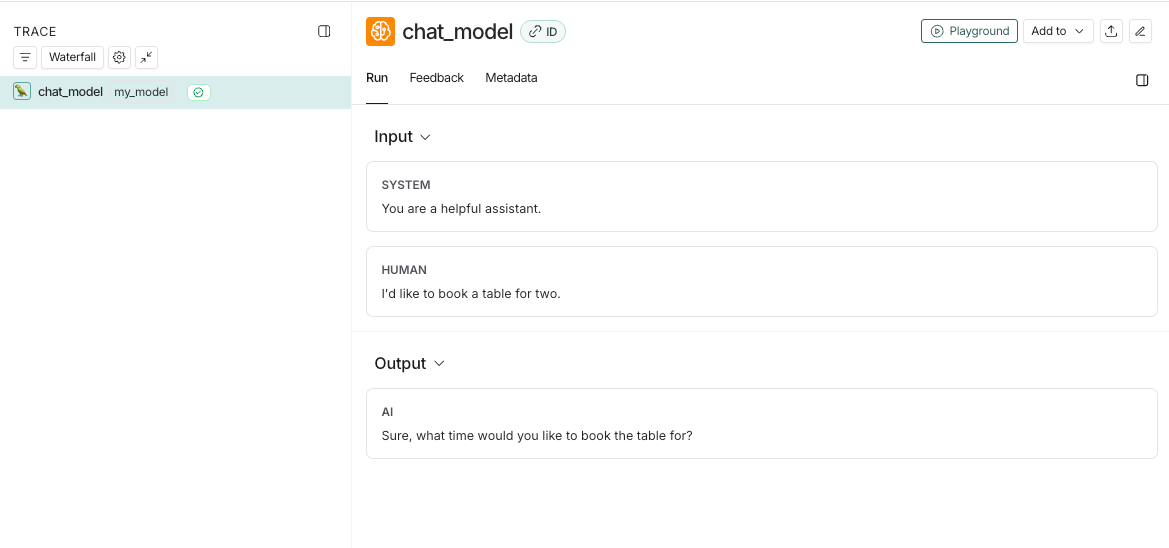
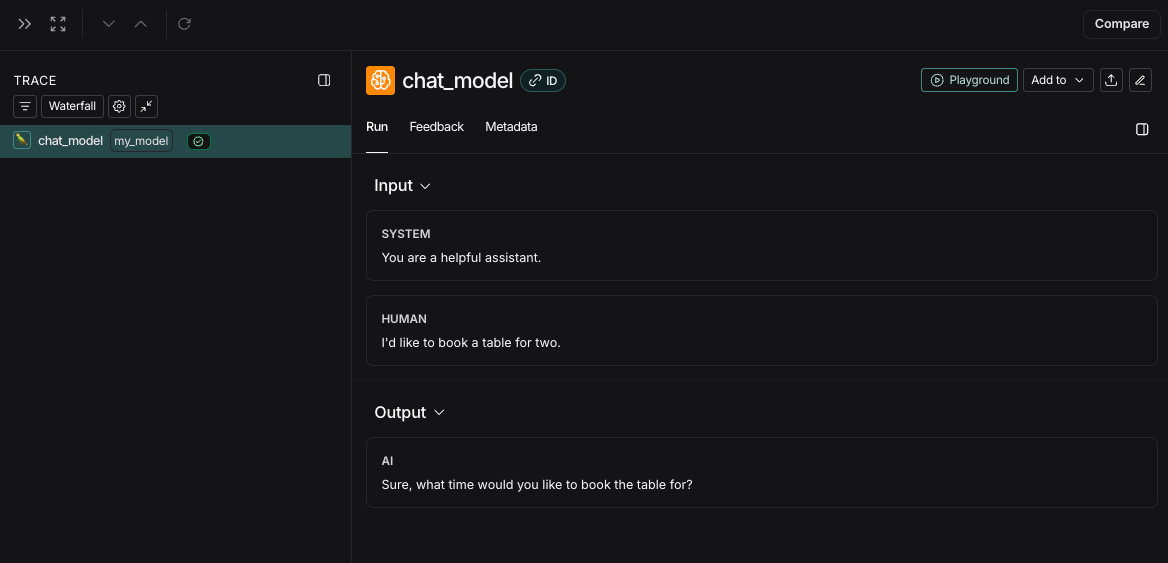
If
ls_model_name is not present in extra.metadata, other fields might be used from the extra.metadata for estimating token counts. The following fields are used in the order of precedence:metadata.ls_model_nameinputs.modelinputs.model_name
metadata fields, refer to the Add metadata and tags guide.
Provide token and cost information
Token counts enable cost calculation and are displayed in the trace UI. There are two ways to provide them:- Set
usage_metadataon the run tree: callget_current_run_tree()/getCurrentRunTree()inside your@traceablefunction and set theusage_metadatafield. This does not change your function’s return value. - Return
usage_metadatain the output: includeusage_metadataas a top-level key in the dictionary your function returns.
Supported usage_metadata fields
To send costs directly (for non-linear pricing), you can also include
input_cost, output_cost, and total_cost fields. See Cost tracking for details on configuring model pricing and viewing costs in the UI.
Time-to-first-token
If you are usingtraceable or one of our SDK wrappers, LangSmith will automatically populate time-to-first-token for streaming LLM runs.
However, if you are using the RunTree API directly, you will need to add a new_token event to the run tree in order to properly populate time-to-first-token.
Here’s an example:
Connect these docs to Claude, VSCode, and more via MCP for real-time answers.